
In brief
A full clean of the Ode Gen 2 takes a Phillips screwdriver and the brush that comes with it. Snap off the faceplate, take out four screws, and pull off the grind dial. Then slide out the rotating burr, which is fixed to the auger. Brush it, the stationary burr and the chamber, and put everything back. Fellow's manual says not to wash the burrs or put any part in the dishwasher.
For daily use, Fellow says to clean the burrs at least every three months, by hand or with cleaning tablets. Between deep cleans, brush out the exit chute. Fellow says a clean grinder helps the anti-static system work.
These steps are for the Ode Gen 2. They follow Fellow's Gen 2 manual. If you have the original Ode, check its own manual before you start.
What you'll need
- Check price — Amazon →
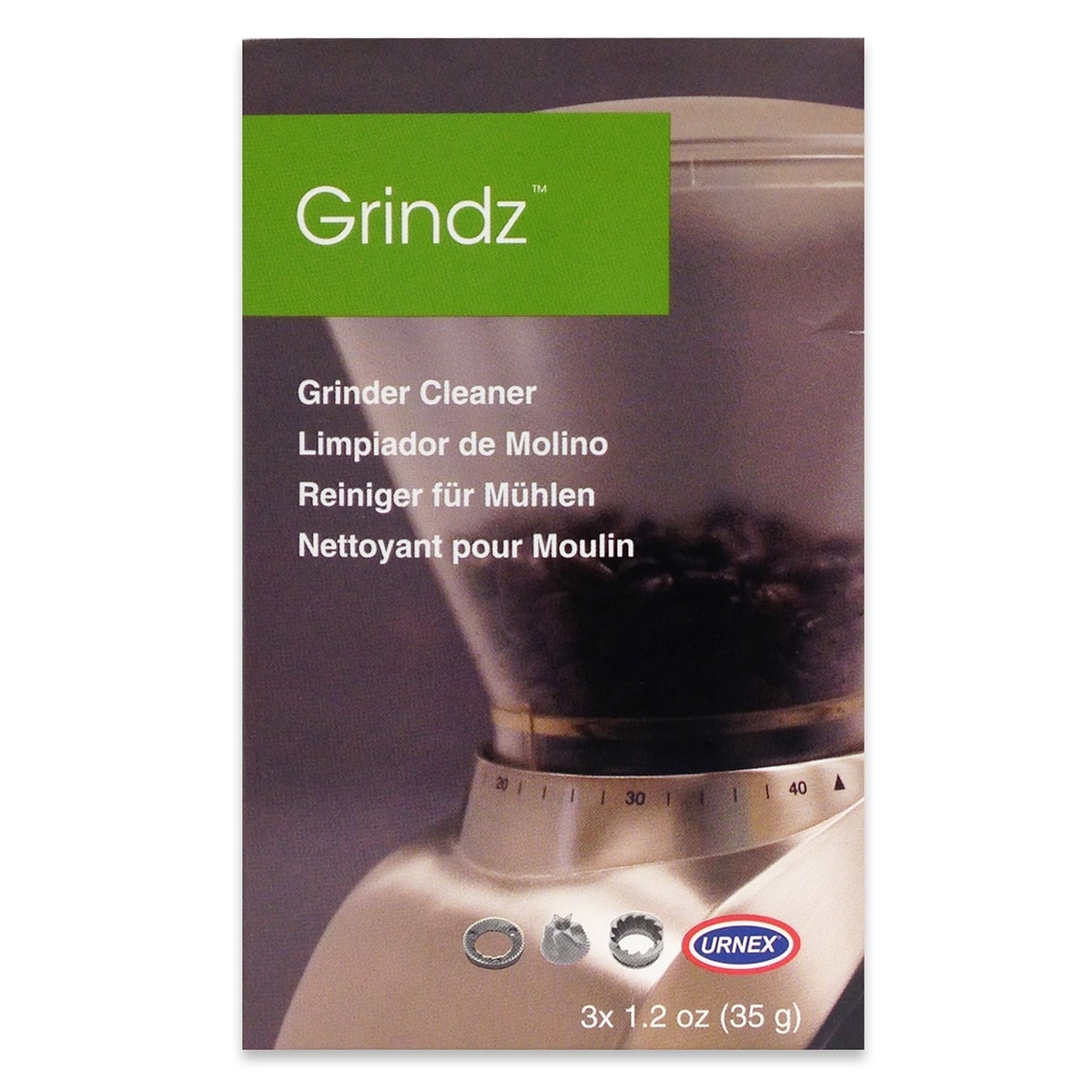 Grindz Grinder Cleaning TabletsFellow names Grindz as the fast way to clean the Ode's burrs
As an Amazon Associate, BrewMark earns from qualifying purchases.All the gear our guides use →
On this page · 9 sections
- 1. Run it empty, then unplug it
- 2. Set the dial to 11 and snap off the faceplate
- 3. Remove the four large screws and the dial
- 4. Slide out the burr, auger, key and spring
- 5. Brush the burrs, chamber and chute
- 6. Reassemble in reverse order
- 7. Use tablets for a quicker clean
- How often should you clean an Ode Gen 2?
- Do you need to recalibrate after cleaning?
1. Run it empty, then unplug it
Run the Ode for about 10 seconds with no beans, then unplug it. Fellow recommends this to clear beans and grounds from the burrs and chute before cleaning. Empty the catch too. Fellow's manual says to unplug before taking anything apart, and to let the parts stop moving first.
2. Set the dial to 11 and snap off the faceplate
Turn the dial to 11, the coarsest setting, then pull the faceplate gently until it snaps off. Fellow's burr guide sets the dial to 11 before taking the grinder apart. Fellow's gear guide also warns against turning the dial from 11 toward 1 while the grinder is off. Leftover coffee can pack into the burrs and bind them, so make that change with the motor running.
3. Remove the four large screws and the dial
Use a Phillips screwdriver to remove the four larger screws, then pull the grind dial assembly straight off. The manual marks the right screws with arrows in its diagram. They are the larger ones. You don't need to touch the small screws to clean it. Keep the four screws together so none get lost.
4. Slide out the burr, auger, key and spring
Press in, then carefully draw out the rotating burr and auger. It is the burr closest to you. The auger key and spring come with it. Fellow's manual says to take care not to lose any of these pieces. If the auger sticks, Fellow's burr guide suggests pushing it in and out to loosen it first.
Stop there. The manual says that if you are just cleaning, don't take the burrs apart any further. The stationary burr stays screwed to the chamber, and the rotating burr stays screwed to the auger. Undoing those screws is only for replacing burrs. Fellow also warns that the burrs are sharp, so handle them carefully.
5. Brush the burrs, chamber and chute
Gently brush coffee dust off both flat burrs with the provided brush, then clear the grinding chamber and the exit chute. Do the stationary burr where it sits. Fellow's burr guide also uses an air duster or a small vacuum to get grounds out of the chamber, which helps in the corners.
Don't wash the burrs, and don't put the grinder or any part of it in water. Wipe the catch with a soft cloth and warm soapy water, then dry it. Wipe the body and load bin with a soft, damp cloth. Fellow says to avoid abrasive pads, harsh chemicals and spray cleaners.
6. Reassemble in reverse order
Put the spring, auger key and burr-and-auger back into the chamber, then refit the grind dial assembly and its four screws. Snap the faceplate back on last. Check that the spring is in place when the auger goes back in. Fellow's burr guide makes a point of it.
Then plug it in and run it empty for a few seconds. Fellow's manual uses this check after clearing a jam: the grinder should spin quietly and at an even speed. If it makes an unexpected noise, take it apart again and look for coffee left in the chamber.
7. Use tablets for a quicker clean
Run the grinder for 10 to 20 seconds to clear any beans, then add cleaning tablets as their maker directs. Grind them all at setting 11 into the catch. Fellow names Urnex Grindz as one option, and says tablets free stuck coffee particles and absorb oil and odors. Afterwards, grind about 30 g of coffee to clear the residue, then discard it and clean the catch.
Fellow's figures differ a little from Urnex's own. Urnex says to grind Grindz on a medium setting and purge with about 70 g of coffee. On the Ode, follow Fellow.
How often should you clean an Ode Gen 2?
Fellow's manual says that with daily use, the burrs should be cleaned at least every three months, with tablets or a stiff brush. The gear guide notes the grinder runs at its best for about 60 cycles before a clean helps. For the in-between clean, take off the catch and brush around the inside of the exit chute.
That chute brushing matters more than it looks. Fellow says its anti-static design can cut retention from about 1 g to as little as 0.1 g, and that a cleaner grinder lets it work better. See how to reduce grinder static for what else helps.
Do you need to recalibrate after cleaning?
Fellow's cleaning steps don't call for it, because the burrs stay screwed to their carriers. Calibration is part of its burr replacement guide. Fellow does say the touch point drifts slightly coarser as burrs season. If setting 1 no longer reaches the fineness it used to, see how to replace grinder burrs for the calibration steps. For dial settings by brew method, see the Fellow Ode Gen 2 page.
Sources
- Fellow: Ode Brew Grinder Gen 2 safety and maintenance manual
- Fellow: Ode Brew Grinder gear guide
- Fellow: How to install and calibrate Ode Gen 2 Brew Burrs and SSP MP Burrs
By Jeff Gluck · Checked Oct 21, 2026