
In brief
Grinder static comes from friction. Beans rub and fracture against the burrs and each other, and the grounds pick up a charge. That makes them cling to the chute, the catch cup and the counter. Research summarized by the SCA found that the amount of moisture in the coffee is the strongest predictor of how much charge it builds up.
So the main fix is a little water. Mist or stir a few drops into the beans just before you grind. This is the Ross droplet technique, or RDT. The SCA's figure is about 10 microlitres of water per gram of beans. In the research, that cut retention in a dark roast from over 10% to about 2.5%, and twice as much water roughly halved the charge.
Use very little water. Too much can cake grounds inside the grinder or corrode it.
What you'll need
- Check price — Amazon →
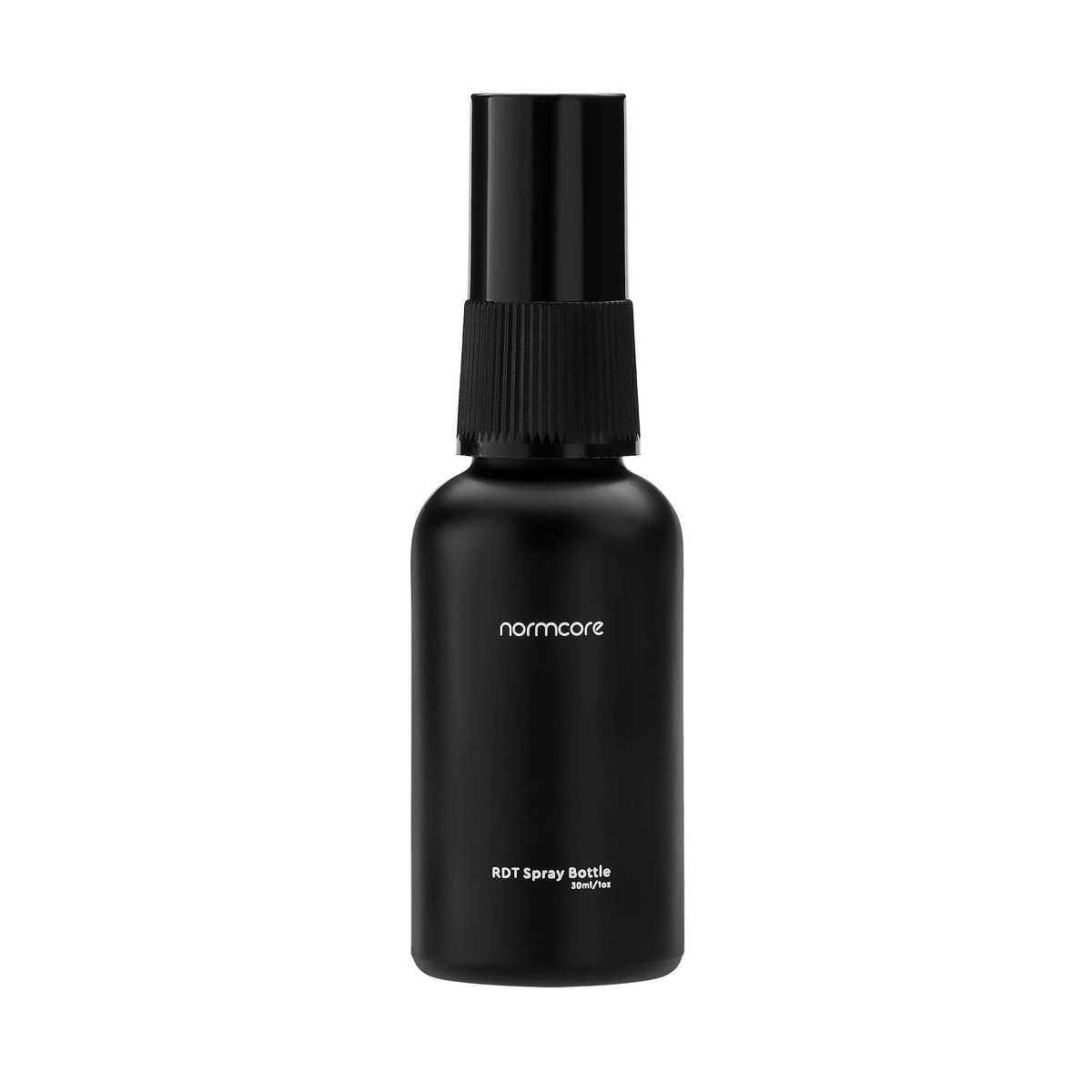 Normcore RDT Spray BottleA spritz or two wets the beans with very little water
As an Amazon Associate, BrewMark earns from qualifying purchases.All the gear our guides use →
On this page · 9 sections
1. Weigh your dose
Weigh the beans you're about to grind, so you can scale the water to them. Wet only the dose you're about to grind. RDT fits single dosing, where you grind only what you're about to brew, rather than a hopper of beans that sits for days.
2. Add a small amount of water
Add a mist or a drop or two of water to the beans. Baratza suggests a drop or two, or a light mist. It says beans need only the slightest hint of moisture. A fine-mist spray bottle makes this easy to control. You can also dip the back of a spoon in water and stir the beans with it.
How much is a small amount? Sources differ. The SCA gives about 10 microlitres per gram. America's Test Kitchen, also citing University of Oregon research, gives about 20 microlitres per gram. Start at the low end. Add more only if you still see clinging grounds.
3. Stir until every bean is touched
Stir the beans so the water spreads over all of them, with no puddle left in the cup. America's Test Kitchen's spoon method is to stir until all the beans are moistened. The SCA reports that added water reduces charge whatever the roast or how much moisture the beans already had.
4. Grind straight away
Grind the beans right after wetting them. Then check the chute and catch. You should see fewer grounds stuck to the walls and less coffee flying off the outlet. If you still see clumps, add a little more water next time.
The SCA notes that static gets worse the finer you grind. So you may find you need RDT for espresso but not for coarser grinds.
5. Keep the chute and burrs clean
Brush out the exit chute and burrs on a regular schedule. Fellow says the cleaner the Ode Gen 2 is kept, the better its anti-static parts work. Baratza recommends cleaning every 4 to 6 weeks. The steps are in how to clean a burr grinder.
6. Store beans at room temperature
Keep your beans at room temperature rather than in the fridge. Baratza recommends this as part of managing static. It also says static tends to be worse when humidity is low, beans are dense, or the grinder spins fast.
7. Consider a grinder with anti-static parts
If you're choosing a new grinder, look for one with built-in anti-static design. America's Test Kitchen describes a grinder it tested that uses an ionizer to keep stray grounds in the chute. Fellow says the Ode Gen 2's anti-static system cuts retention from about 1 g to as little as 0.1 g. See the Fellow Ode Gen 2 page for its settings. The SCA adds a caveat: ion-based methods work to varying degrees, depending on roast colour, moisture content and where the ions are added.
Do light or dark roasts make more static?
The research points to dark roasts. Baratza lists roast level as one factor in static without saying which way it cuts, and links lighter roasts to more chaff. The University of Oregon study, as ScienceDaily reports it, found that dark roasts, which are drier, built up more charge overall than light roasts. The SCA's summary of the research says moisture predicts static much better than roast color does. So the sensible test is your own grinder with your own beans. Either way, a few drops of water helps.
Will water damage my grinder?
Not in the tiny amounts RDT uses. The SCA warns that too much water may cause caking or corrosion inside the grinder. Baratza says to use only the slightest hint of moisture. The SCA also notes that grounding the grinder alone doesn't fix static, because coffee itself doesn't conduct.
The researchers tested espresso. ScienceDaily reports that the wetted beans gave longer, stronger and more consistent shots. They expected filter methods to benefit too, but not French press, where the grounds go straight into water.
Sources
- SCA: It's electric: understanding and reducing static electricity during grinding
- ScienceDaily: Grinding coffee with a splash of water reduces static electricity
- Baratza: Understanding chaff in coffee
- America's Test Kitchen: How to reduce coffee grinder static
- Fellow: Ode Brew Grinder gear guide
By Jeff Gluck · Checked Oct 21, 2026