
Which to buy · Every setting
Breville Dose Control Pro vs Fellow Opus
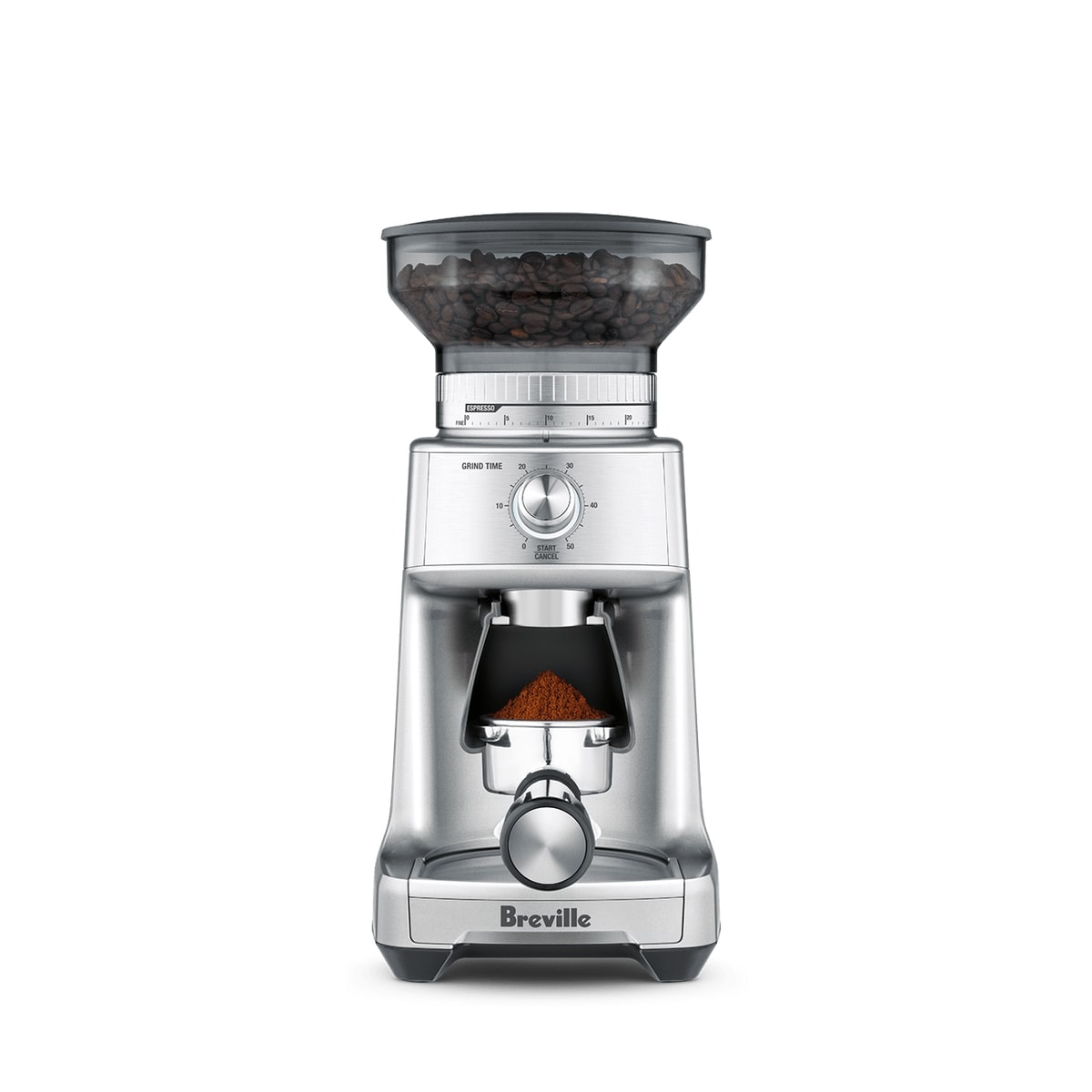
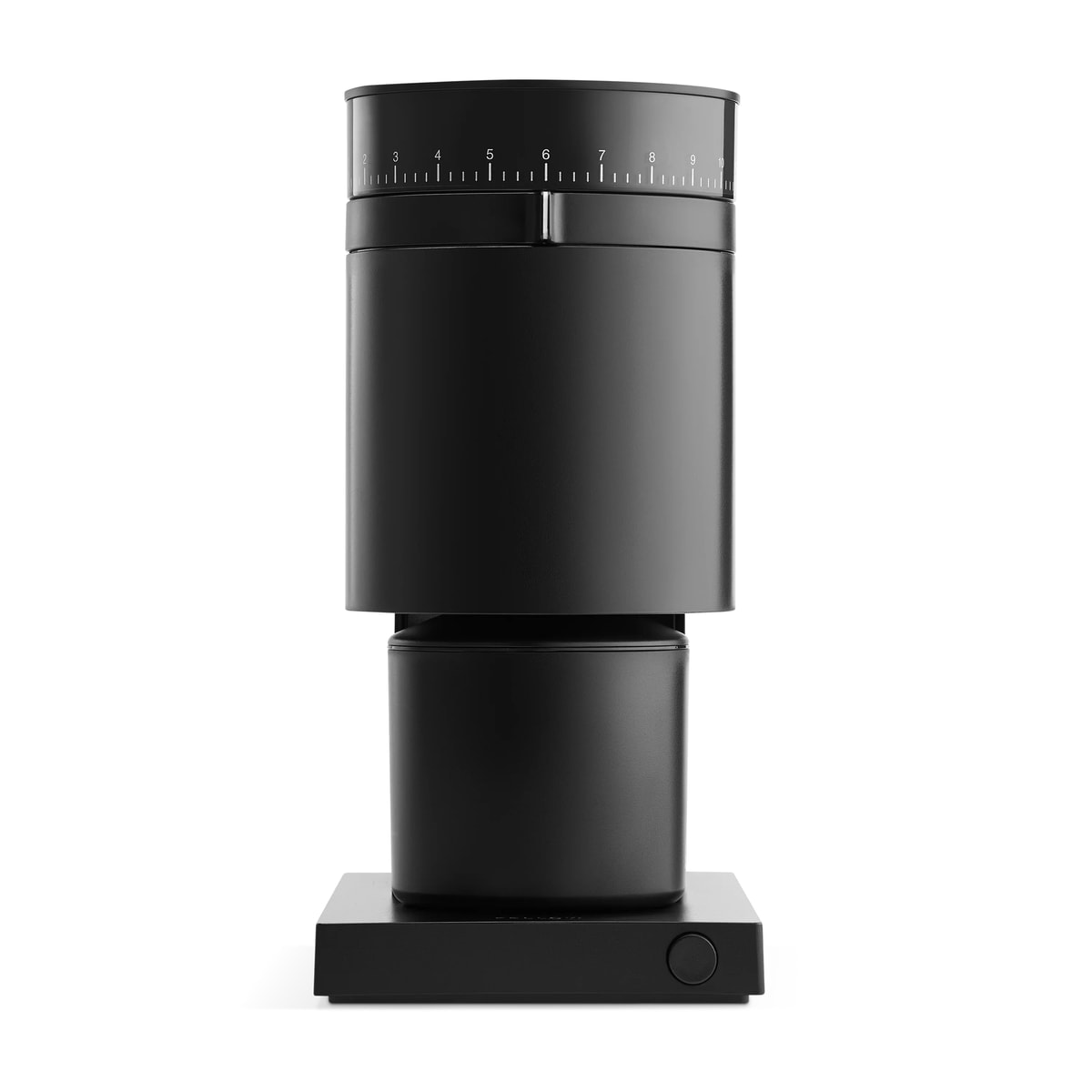
Two grinders cross-shopped at the same money. The Opus is numbered 1–11; the Dose Control Pro is numbered 1–60.
Which to buy
Choose the
Dose Control Pro if you…
- want 60 settings, with 1–25 for espresso and 46–55 for French press
- grind into a portafilter — cradles for 50–54 mm and 58 mm and the Razor trimming tool come in the box
- want a 12 oz hopper and a grind timer set in 1-second steps
Choose the
Opus if you…
- want cold brew as well as espresso — Fellow rates it from espresso to cold brew
- want an inner ring for micro-adjustment between the 41 dial settings
- want a timed auto-stop at 30, 60, 90 or 120 seconds
Shop links are affiliate links: BrewMark earns a commission if you buy through one, at no extra cost to you. The verdicts were written without regard to it.
Neither is sold new. Fellow now sells the Opus 2 in place of the original; the settings on this page are for the original. Breville marks the Dose Control Pro discontinued and doesn't name a replacement.
Sources: Fellow — Opus (archived) · Fellow — Opus gear guide · Breville — Dose Control Pro · Breville — Dose Control Pro manual
| Dose Control Pro | Opus | |
|---|---|---|
| Brand | Breville | Fellow |
| Scale | Numbered dial | Numbered dial |
| Dial range | 1 – 60 | 1 – 11 |
| Burrs | Conical | Conical |
| Espresso → filter | 26.7 numbers | 5.7 numbers |
| Filter → coarse | 25.3 numbers | 3.9 numbers |
The same number means different things
Both grinders use a numbered dial, which makes it tempting to copy a number straight across. Setting 6 sits at grind index 0 on the Dose Control Pro but 34.2 on the Opus — far enough apart to change the cup.
Converting a setting
If a recipe quotes a setting for one of these grinders, read across for the equivalent on the other. Rows are spaced evenly by grind size, not by dial number — on a conical burr those are not the same thing.
| Dose Control Pro | Opus |
|---|---|
| 8 | 1.2 |
| 17 | 1.2 |
| 24 | 2 |
| 28 | 3.2 |
| 32 | 5.3 |
| 36 | 7.1 |
| 40 | 8 |
| 44 | 8.2 |
| 48 | 8.3 |
| 52 | 9.1 |
| 55 | 9.3 |
| 57 | 10.2 |
| 60 | 11 |
| Opus | Dose Control Pro |
|---|---|
| 1.2 | 8 |
| 2 | 24 |
| 3.2 | 28 |
| 5.3 | 32 |
| 7.1 | 36 |
| 8 | 40 |
| 8.2 | 44 |
| 8.3 | 48 |
| 9.1 | 52 |
| 9.3 | 55 |
| 10.2 | 57 |
| 11 | 60 |
Side by side, by brew method
Where each grinder lands for the same brew, worked out from its own dial curve.
| Method | Dose Control Pro | Opus |
|---|---|---|
| Espresso | 15 | 1.2 |
| Moka pot | 23 | 1.3 |
| AeroPress (short steep) | 28 | 3.2 |
| Pour over — V60 / cone | 34 | 6.3 |
| Siphon | 36 | 7.2 |
| Pour over — flat bottom | 37 | 7.3 |
| Steep and release — Clever / Switch | 39 | 8 |
| Drip / batch brew | 40 | 8 |
| Cupping | 41 | 8 |
| Chemex | 44 | 8.2 |
| French press | 50 | 9 |
| Cold brew | 56 | 10 |
The shape of each dial
Where the connectors bunch, that grinder’s dial is compressed and single steps count for more. Comparing the two shapes tells you which gives finer control, and where.
Breville Dose Control Pro
Fellow Opus
Dialing in the Dose Control Pro
Effectively the Smart Grinder Pro sold under a different name in some markets, and it behaves the same way: sixty outer settings plus an internal burr adjustment most owners never discover. If the finest setting still runs fast for espresso, the internal adjustment is the fix.
Dialing in the Opus
Marketed as all-purpose, and it genuinely does cover more range than the Ode, but the espresso end is workable rather than good — expect to chase it. Where it earns its place is the coarse end: cold brew and French press come out notably even. If you bought the Opus mainly for espresso, dial it as a brew grinder first and judge it there.