
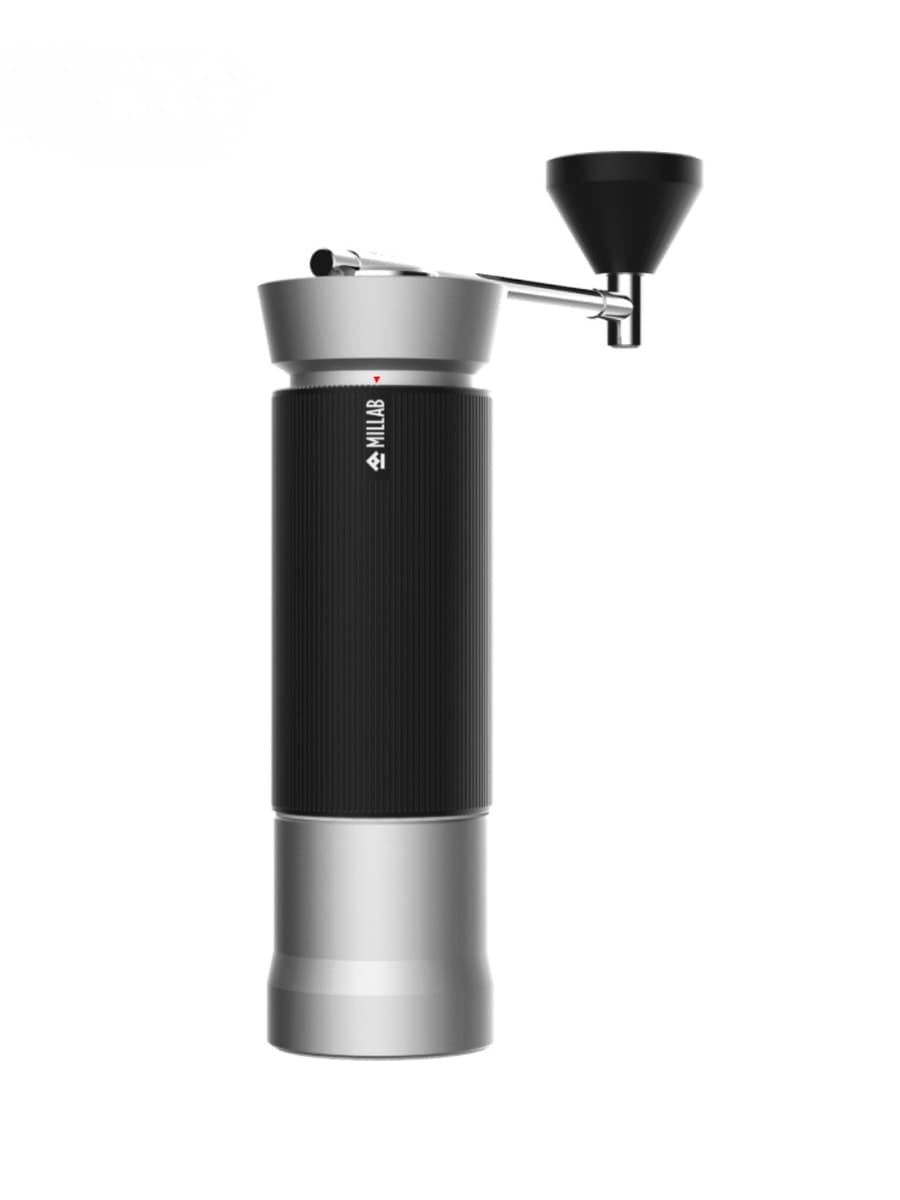
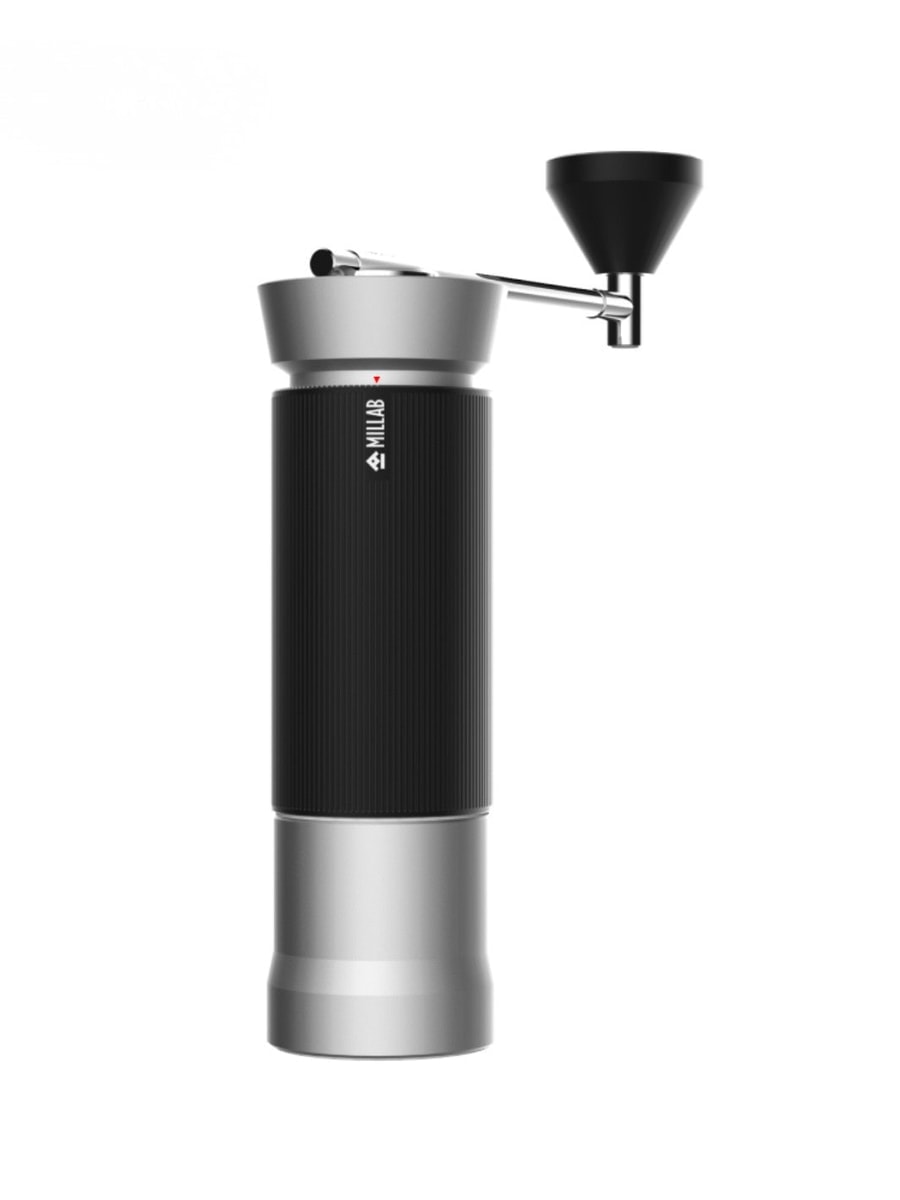
 Timemore Millab M01
Timemore · Dial-in chart
Timemore Millab M01 grind settings
On the Timemore Millab M01, start pour over at 6.9, espresso at 0.9 and French press at 8.9. Every other method, with the range to adjust in, is below.
The shape of this dial
The top line is the universal grind index every BrewMark recipe uses. The bottom line is the Millab M01’s own dial. The connectors show how one maps onto the other.
Millab M01 grind size chart, by brew method
Start at the recommended setting, brew, then move within the range by taste. Sour or weak means go finer; bitter or harsh means go coarser.
| Method | Setting | Range |
|---|---|---|
| EspressoFine. Aim for a 25–30s shot and adjust from there. | 0.9maker’s chart | 0 – 1.5 |
| Moka potFiner than filter, coarser than espresso. No tamping. | 2maker’s chart | 1 – 3 |
| AeroPress (short steep)For 1–2 minute recipes. Go coarser for longer steeps. | 4.1estimated | 2.9 – 5.7 |
| Pour over — V60 / coneThe reference point for most published pour-over recipes. | 6.9maker’s chart | 5 – 9 |
| SiphonMedium. Short contact over steady heat, so start here and taste. | 7.5estimated | 6.6 – 8.2 |
| Pour over — flat bottomKalita, Orea and similar. Slightly coarser than a cone. | 7.8estimated | 7.2 – 8.4 |
| Steep and release — Clever / SwitchSteep, then drain through a paper filter. If it drains slowly, go coarser. | 8.1estimated | 7.5 – 8.5 |
| Drip / batch brewAutomatic brewers. Coarser to suit the longer contact time. | 8.2estimated | 7.8 – 8.7 |
| CuppingMedium-coarse, for tasting side by side. Keep it the same across every bowl. | 8.4estimated | 7.9 – 8.7 |
| ChemexThe thick filter needs a coarser grind to avoid stalling. | 8.7estimated | 8.4 – 8.9 |
| French pressCoarse. Too fine here is the usual cause of a muddy cup. | 8.9maker’s chart | 8 – 10 |
| Cold brewCoarsest setting you have. 12–18 hours of contact. | 8.9estimated | at dial limit |
Maker’s chart settings are Timemore’s own, from Timemore X Millab M01 product page, grind adjustment dial. Estimated ones sit on the same dial curve, fitted through the maker’s. Own one? Tell us the setting you use.
Every grinder on one grind size chart →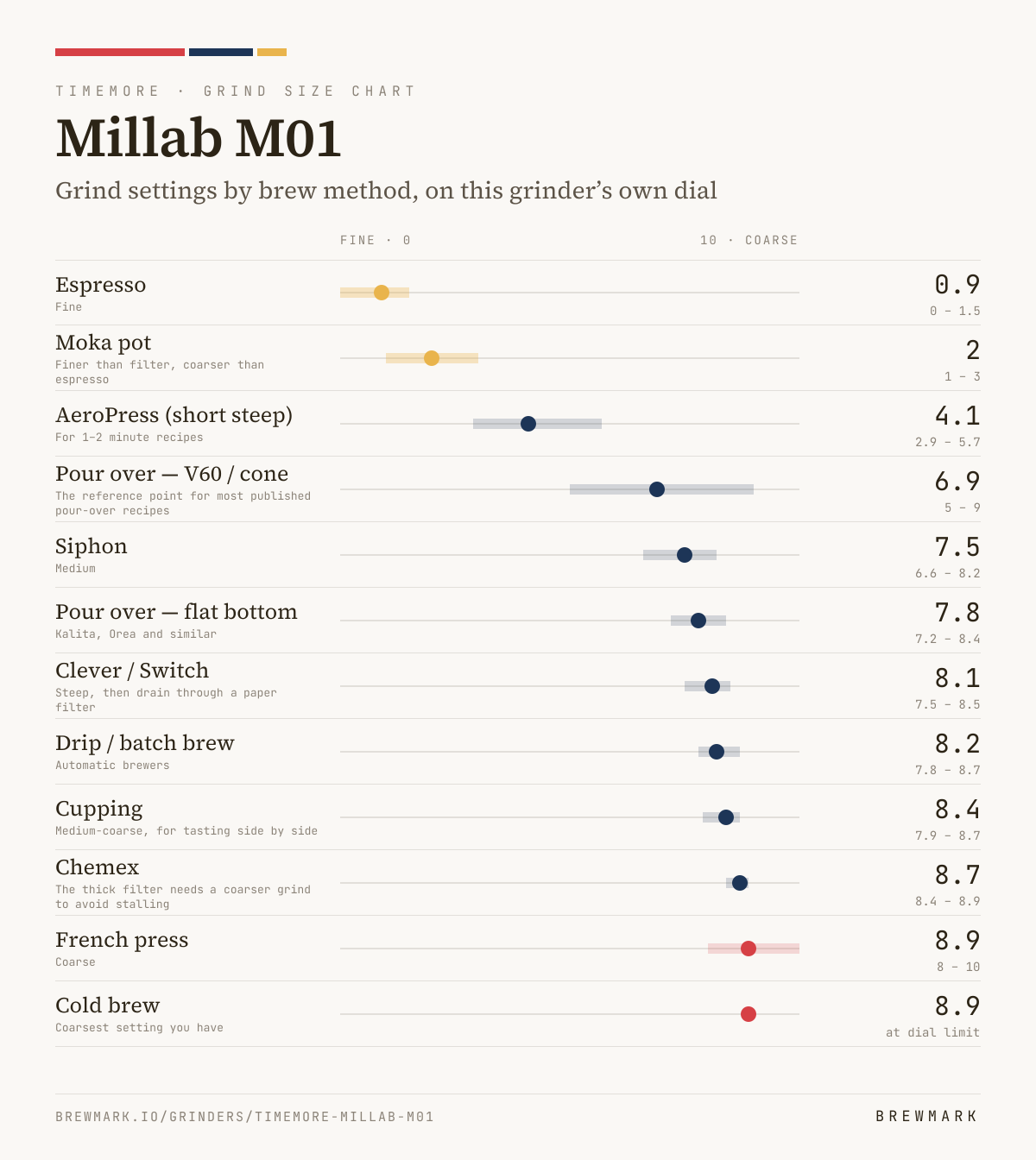
Not yours yet?Buy it if you are an enthusiast who values build quality and wants to experiment with an unusual burr, including blended or very coarse grinds; if you want a practical everyday hand grinder, a lighter and cheaper option will serve you better. The Millab M01 buying guide →
Can the Timemore Millab M01 grind for espresso?
Yes. The Millab M01 adjusts in steps fine enough to dial in a shot on a standard single-wall basket, which is what most espresso recipes assume. Start at 0.9 and adjust by taste.
BrewMark’s rating, from the maker’s specs and published reviews listed in the buying guide. We haven’t tested it.
How much room you have to adjust
That is the resolution you actually have to work with on the Millab M01. Where the number is small, a single step moves the cup more than you would expect — so change one at a time and taste before moving again.
Cold brew sits at the end of the Millab M01’s travel — you can reach it, but there is no room left to adjust further in that direction.
Coming from another grinder?
Convert a grind setting to the Millab M01
If a recipe quotes a setting for a different grinder, this maps it onto the Millab M01’s dial using the same curve the chart above is built from.
Converting between two grinders that are not this one? Open the full converter.
Owners’ particle-size readings
No readings for the Millab M01 yet. If you own one, you can measure your grind with a phone photo; readings are reviewed, then shown here.
How these numbers were worked out
Every grinder gets mapped onto a shared 0–100 grind index, where 0 is espresso-fine and 100 is the coarsest useful setting. Five reference points on the Millab M01 are placed on that scale — espresso, moka, filter, French press and coarse — and the settings in between are interpolated.
Timemore publishes its own brew-method chart for the Millab M01, and we checked every number against it. The chart above prints Timemore’s settings for the methods it names, and the reference points are fitted so the curve follows them; the other methods, and every conversion to and from this grinder, are read off that curve. Source: Timemore X Millab M01 product page, grind adjustment dial.
Because the Millab M01 uses conical burrs, the curve between those points is fitted with a monotone cubic spline rather than straight lines. Conical burr dials are rarely linear, and the spline guarantees the curve never doubles back — a coarser index always produces a coarser setting.
The result is that “medium-fine” resolves to a real number on this grinder rather than a vague instruction. It is a starting point, not a guarantee — burr wear, bean density and roast level all move the target, which is why every row above gives a range as well as a number.
Corrections to this page
- 2026-10-23For every grinder whose maker publishes a brew-method chart, the chart now prints the maker’s own settings for the methods it names, checked against the maker’s document, and the rest follow a dial curve fitted through them. Per-setting micron figures are gone; particle sizes are given only for espresso, drip and cupping, where independent sources agree.
Own a Millab M01? Tell us your setting
If you’ve dialled in a method on your own Millab M01, the number you landed on is the best evidence there is. Readings are checked by hand before anything changes here.